 By Femke Irik · · 7 min read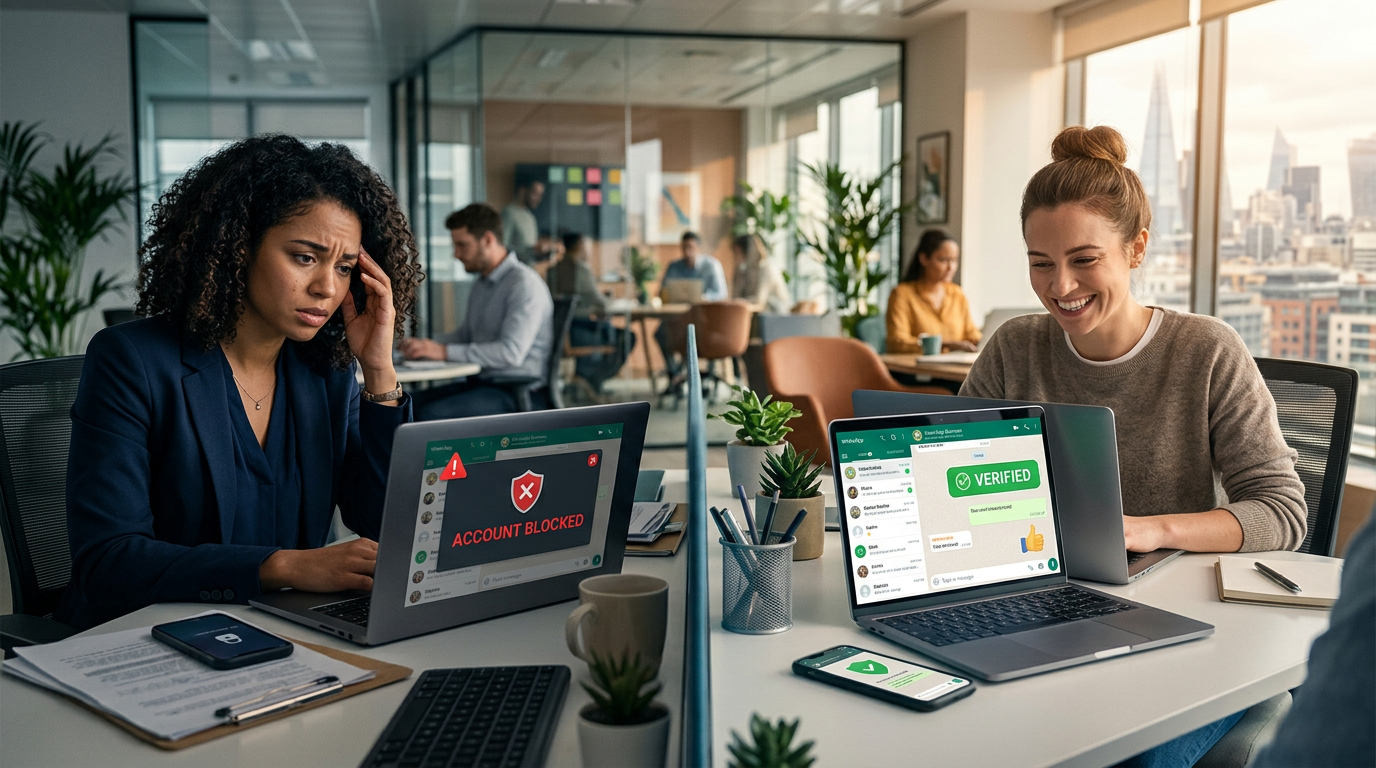
WhatsApp is the lifeblood of modern tour operations, used for everything from meeting point photos to weather updates. However, WhatsApp has strict rules to prevent spam, and many tour operators find their accounts restricted or blocked without understanding why. This guide explains the rules simply and shows you how to protect your business communication.
Understanding Why WhatsApp Restricts Tour Operators
WhatsApp wants to keep its platform a place people enjoy using. When a business sends messages that feel like spam, WhatsApp takes action to protect the user experience. For a tour operator, this might happen during a busy morning when you are trying to reach multiple groups about a meeting point change or a sudden rain delay.
Why this happens: Messaging restrictions occur when your 'quality rating' drops. This is usually triggered by guests clicking 'Block' or 'Report' on your messages. Even if you think the message is helpful, if the guest didn't expect it or finds it intrusive, they might report it.
How to solve it: Only message guests who have clearly agreed to receive WhatsApp updates. Use Smart Chat on your website to start conversations where the guest initiates the contact, which naturally lowers the risk of being reported.
When to use each option: Use regular messages for active conversations with guests who are currently on tour. Use approved 'templates' only for official notifications like booking confirmations or schedule changes.
Mistakes to avoid: Don't buy lists of phone numbers or send 'cold' marketing messages to people who haven't booked with you. This is the fastest way to get a permanent ban.
How to implement it tomorrow:
- Review your booking form and add a checkbox for 'WhatsApp updates'.
- Delete any old contact lists you haven't messaged in over 6 months.
- Train your guides to ask, 'Is it okay if I WhatsApp you the meeting photo?' before sending it.
The 24-Hour Customer Service Window Explained
One of the most confusing parts of WhatsApp Business is the 24-hour window. This is a rule designed to stop businesses from bothering customers days or weeks after a conversation has ended.
Why this happens: WhatsApp allows you to send 'Free Form' (normal) messages only within 24 hours of the customer's last message to you. Every time the guest replies, the clock resets for another 24 hours. If you try to send a normal message after 24 hours have passed, the message will fail or, if you use certain workarounds, your account could be flagged.
How to solve it: You must use 'Templates' to restart a conversation after the 24-hour window has closed. A template is a pre-approved message that WhatsApp has reviewed to ensure it isn't spam.
When to use each option: Inside the window, use normal chat to discuss accessibility or private group details. Outside the window, use a template like 'Hi [Name], we have an update regarding your tour tomorrow.'
Mistakes to avoid: Do not try to bypass the window by sending a template that says 'Hello' just to get the customer to reply so you can chat for free again. This is called 'Template Squatting' and can lead to your templates being paused.
How to implement it tomorrow:
- Check your recent chats to see how often you reply late.
- Note down the top 3 reasons you message guests after 24 hours (e.g., follow-ups, review requests).
- Draft simple templates for these 3 reasons and submit them for approval via your WhatsApp provider.
The Trust and Safety Framework
To keep your account healthy, you need to move through different levels of communication trust. We call this the Trust and Safety Framework.
- The Invitation: The guest starts the chat via Smart Chat or checks a box during booking. Example: A guest clicks 'Chat on WhatsApp' to ask about child seats.
- The Active Window: You provide helpful, real-time support within 24 hours. Example: Sending a photo of the tour van so they can find you.
- The Template Bridge: You use a pre-approved message to re-engage after a gap. Example: Sending a 'Thank You' message 48 hours after the tour ends.
- The Opt-Out: You provide an easy way for them to stop receiving messages. Example: Ending a message with 'Reply STOP to opt-out'.
| Stage | Risk Level | Requirement |
|---|---|---|
| Invitation | Low | Clear Opt-In |
| Active Window | Low | Helpful Content |
| Template Bridge | Medium | WhatsApp Approval |
| Bulk Messaging | High | High Quality Rating |
Common Reasons for Template Rejection and Account Pausing
Even if you aren't blocked, WhatsApp might 'pause' your templates. This means you can't send your standard booking confirmations or meeting instructions until the quality improves.
Why this happens: Templates are often rejected because they have poor grammar, look like 'clickbait', or include too many emojis. If guests frequently block you after receiving a specific template, WhatsApp will automatically pause that template.
How to solve it: Keep your templates professional and clearly related to the tour. Avoid 'salesy' language. Using a Smart Inbox helps because it can help manage these templates and ensure they are used correctly.
When to use each option: Use specific templates for specific tasks. Don't use a 'General' template for everything; have one for 'Weather Updates' and another for 'Meeting Points'. If a weather update leads to date changes, a structured rebooking flow keeps the follow-up replies consistent.
Mistakes to avoid: Using placeholders incorrectly (e.g., putting the whole message inside one bracket) or including links that look suspicious.
How to implement it tomorrow:
- Review your current templates for spelling errors.
- Ensure your business name is clear in the first sentence of every template.
- Remove any unnecessary marketing fluff from your operational updates.
TravelCS Insight: The Cost of the 'Silent Block'
In our experience, many tour operators don't realize they are being restricted because they don't get a 'Your account is banned' message immediately. Instead, they experience a 'Silent Block' where their delivery rates drop. TravelCS has observed that operators often lose more revenue from guests who never received their meeting point instructions than from guests who didn't book in the first place. If a guest is standing on a street corner and your WhatsApp message fails to deliver because your account rating is 'Low,' you have a failed tour and a likely refund request on your hands. Reliable messaging is an operational necessity, not just a marketing tool.
How Automation Protects Your Account Status
Managing these rules manually is nearly impossible for a busy team. An employee might not notice that a guest's last reply was 25 hours ago and send a normal message that triggers a violation.
Why this happens: Human error is the leading cause of WhatsApp policy violations in the tour industry. Multiple staff members jumping in and out of the same inbox makes tracking the 24-hour window difficult.
How to solve it: Use a system like Smart Inbox which is built on the official WhatsApp Business API. It identifies exactly when a window is open or closed and prevents staff from sending 'illegal' messages.
When to use each option:
- Fully Automatable: Sending a template for a GetYourGuide booking confirmation or a weather alert.
- Live Data Needed: Answering 'Is there space for 4 people today?' requires checking Smart Booking by TravelCS.
- Human Review Required: Handling a guest complaint about a guide or a request for a custom private tour price. Escalation trigger: Any mention of 'refund', 'complaint', or 'disappointed'.
Mistakes to avoid: Relying on the standard WhatsApp Business App on a single phone, which doesn't provide the safeguards needed for a team.
How to implement it tomorrow:
- Move your team away from the 'WhatsApp Business App' on a physical phone to a professional Smart Inbox.
- Set up automated 'Out of Office' replies to manage expectations when you aren't working.
- Create a 'Standard Operating Procedure' (SOP) for how to handle guest blocks.
Conclusion
Protecting your WhatsApp Business account is essential for modern tour operations. By respecting the 24-hour customer service window, using the Trust and Safety Framework, and moving away from manual messaging to a professional system like Smart Inbox, you can reduce the risk of being blocked. Remember, a blocked account doesn't just stop sales—it breaks your ability to provide the high-quality service your guests expect on the day of their tour.